Android
Phone & tablet · Android 8.0 or newer
Signed APK · 1.0.18 MeroEntrance
Official downloads
Download the app for your phone, tablet or TV. Sign in with your MeroEntrance account or school card.
आफ्नो उपकरणका लागि एप छान्नुहोस्।
Choose your app TV installation guide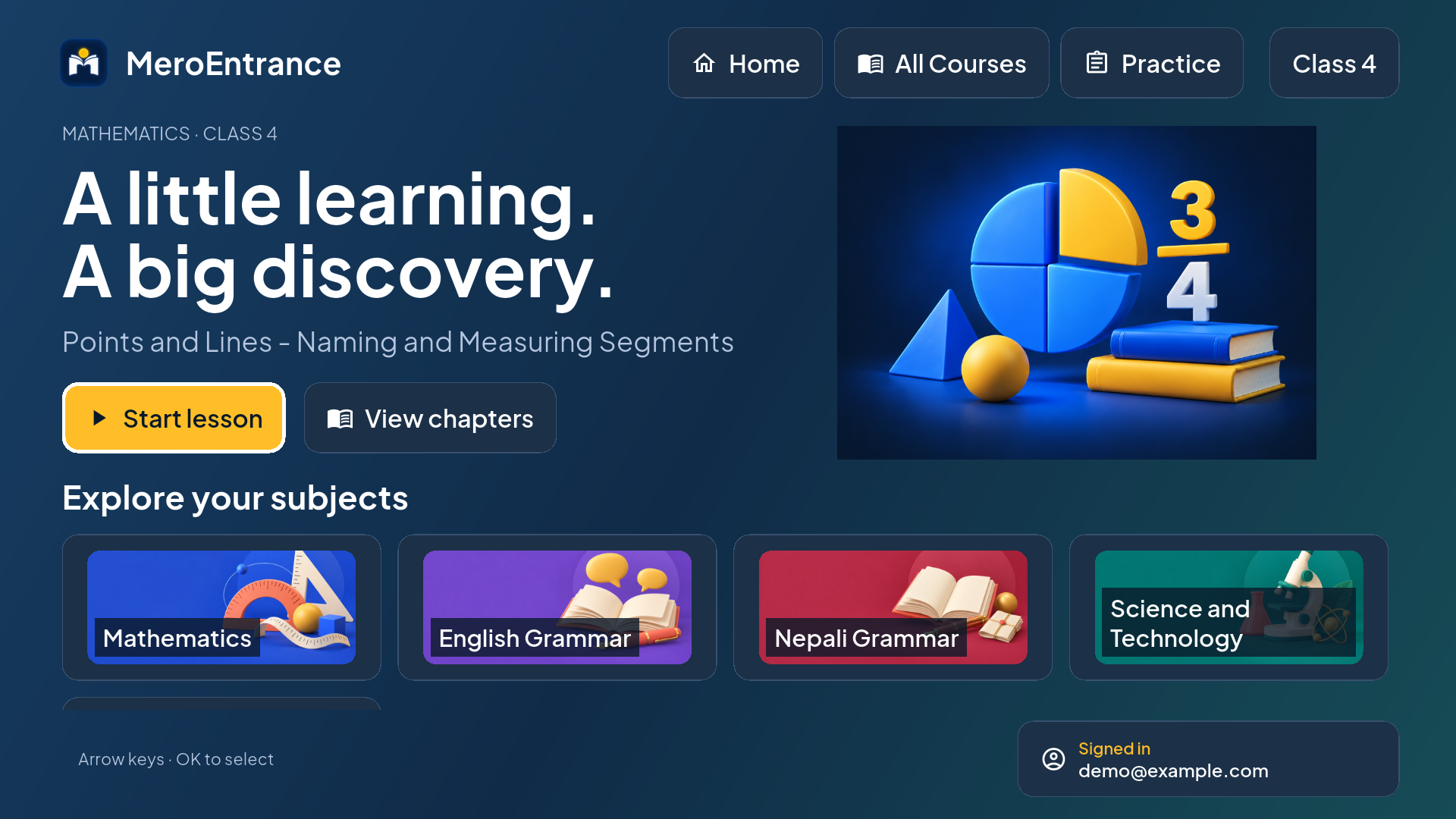
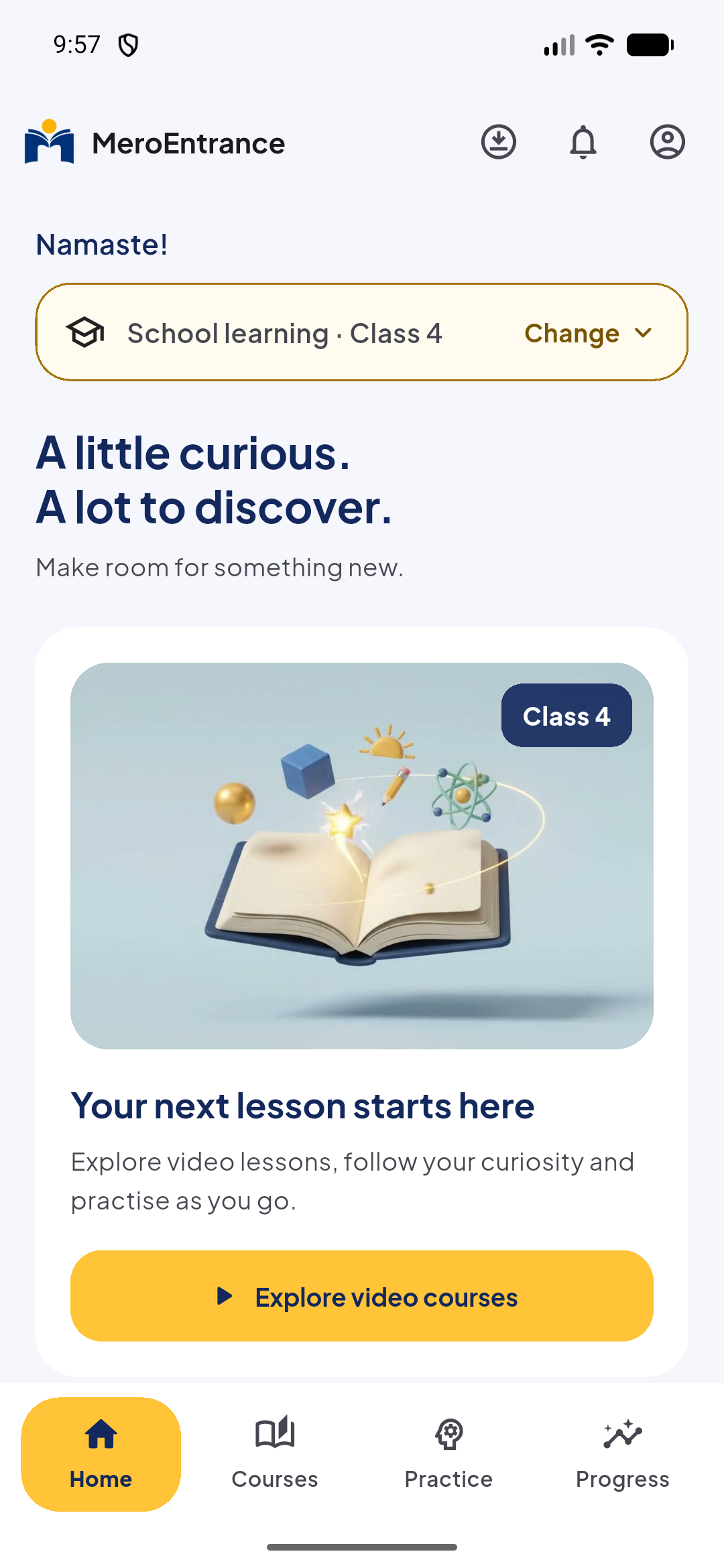
Android · iOS · TV
Official downloads for each device. Use the same MeroEntrance account or school card to sign in.
Installing on a TV? ↘Phone & tablet · Android 8.0 or newer
Signed APK · 1.0.18iOS & iPadOS · Check compatibility on the App Store
Official App StoreTelevisions & classroom displays · Android 8.0 or newer
Latest signed TV versionAndroid-based Fire OS · Android 8.0 or newer
Not compatible with Vega OSAndroid downloads are signed APKs from our official GitHub. Already using Google Play? Keep updating through Play.
MeroEntrance TV
Open this page in your TV’s downloader, or transfer the TV APK from your phone. Allow your downloader under “Install unknown apps” when asked.
Use your existing account or school card. Your courses follow your enrollment or school plan.
New versions download while the app is open on Home. Choose “Install update” and confirm. Allow MeroEntrance TV to install apps when asked; choose “Package installer” if a chooser appears.
Yes. Install the update over the existing app. Updates from this channel use the same signing identity and preserve app data. You don’t need to uninstall first.
The GitHub TV build checks for updates automatically, at most every six hours while the app is open on Home. It downloads a newer signed version and shows an update notice. Fire TV and Android TV normally require you to confirm installation. Checks don’t run while the app is closed.
Keep using Google Play to update that installation. Store signing may differ from the APK channel. If your device rejects an APK update, keep your installed app and contact support rather than uninstalling and losing local data.
The TV APK is for compatible Android TV and Android-based Fire OS devices running Android 8.0 or newer. It does not run on Samsung Tizen, LG webOS, Apple TV or Vega OS. Device and codec compatibility can vary.
No. Use your existing MeroEntrance account or school card. The courses you can open depend on your enrollment or school plan.